
How To Update Your Payment Method
We believe...
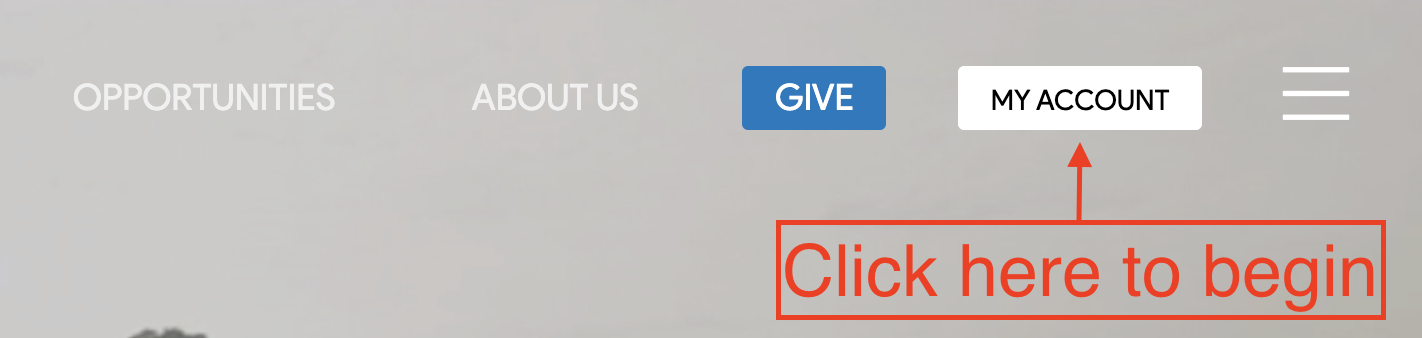
1. After logging in, click on “My Account” in the top right portion of the screen.
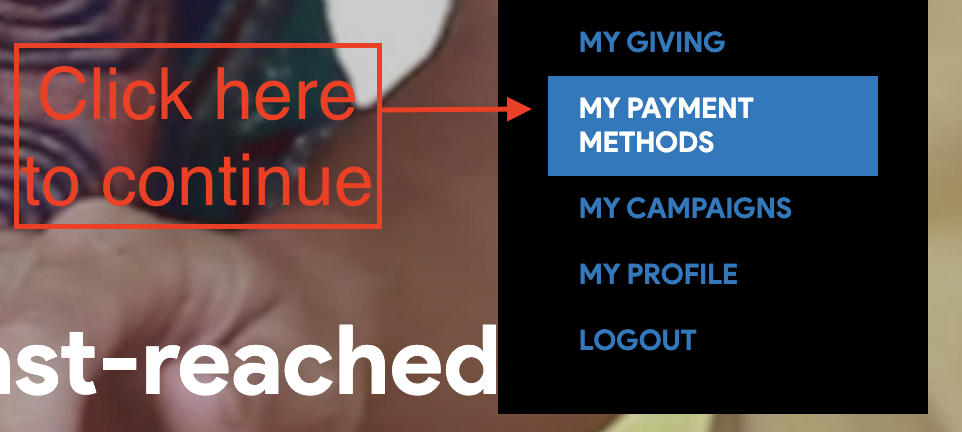
2. When the drop-down menu appears, click on “My Payment Methods” to access your stored information.
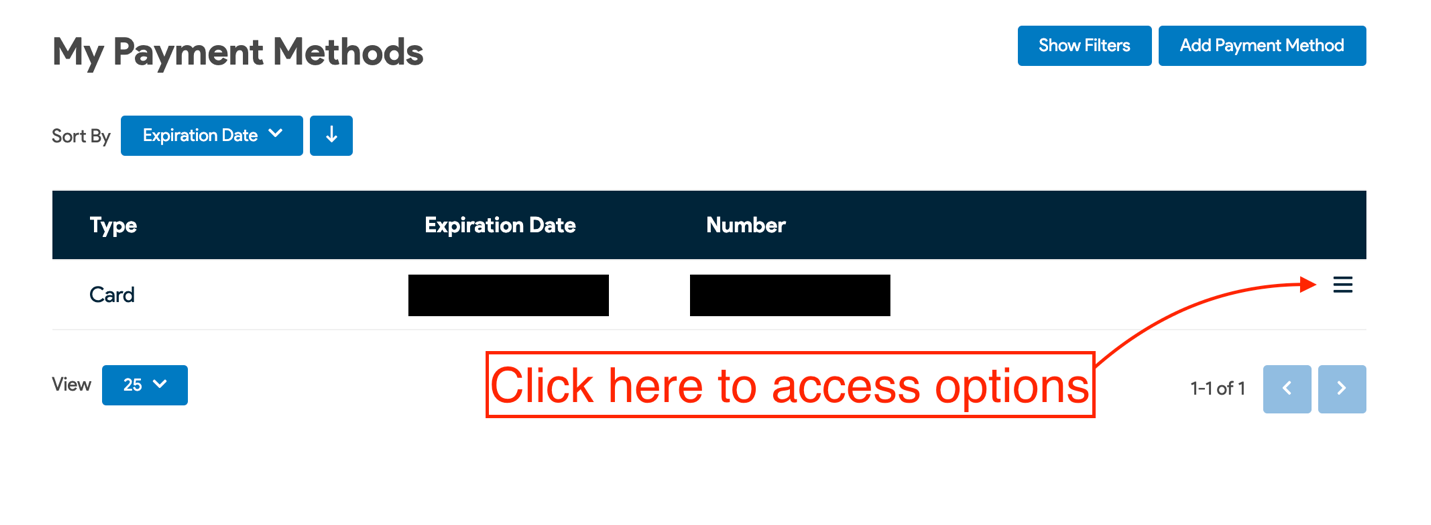
3. You will arrive at a screen that contains your stored payment information. Click on the 3 dashes to the right in order to delete or edit the method in question.
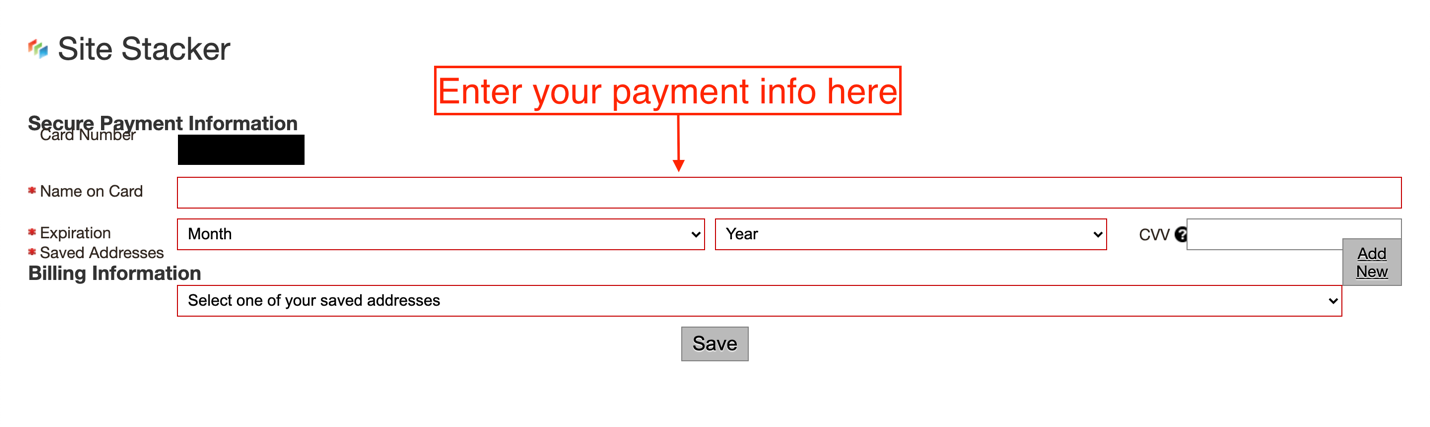
4. Once you click on “Edit”, you will be taken to the following screen. Re-enter your information and click “Save”.
Thank you for your ongoing support!
We believe...